
150+ live sites, moved to mobile. None taken offline.
I owned a 12-month responsive migration for an enterprise loyalty platform, and turned it into a repeatable way to ship change safely.
Owner of the migration: sequencing, method, theme guardrails, runbook and team ramp-up.
- 2 junior designers
- Contract designer
- Figma
- CSS variables
- Notion
The 30-second version
For busy reviewersThe problem
More than 150 branded client sites ran on older templates, and on some programs participants couldn’t use a phone at all. Every fix changed a live, revenue-bearing site.
What I did
I owned the migration. I re-sequenced it by participant impact, built guardrails into the theme system, wrote the runbook and brought two junior designers up to speed.
The result
All 150+ sites responsive in 12 months. Support tickets dropped from about 20 a month to 3–5, and active migration work fell from 24 to 7.5 hours in a timed subset.
A decade of custom themes, and a phone problem
Skim shows the headline and the constraints. Deep adds the full story.
An enterprise loyalty and incentives platform ran more than 150 branded program sites for its clients. Many sat on older templates with a decade of bespoke styling and program-specific rules. Several clients paid seven figures a year and ran multiple programs each.
Participants on some of those programs couldn’t use the mobile experience at all. Those clients were frustrated, and some were signaling they might leave. Shopping, account history, claims, contact forms and custom pages all had to make the move.
A template change could update the structure, but it couldn’t decide which content mattered to a particular program, or how that program’s brand should appear. The repeated, page-by-page work was the real problem.
- About 24 hours of migration budget per program
- Two-week sprints, alongside the team’s other work
- No staging environment per program
- Clients had to preview, approve and supply assets first
- Brand styling applied inconsistently across programs
- Owned the initiative: sequencing, method, guardrails and runbook
- Led two junior designers who were new to the platform
- Onboarded a contract designer in another time zone partway through
- Routed revisions through account managers to the assigned designer
- Stayed the point person for technical questions throughout
Three decisions that shaped the rollout
Each one lists the constraint, the call I made, and what it cost.
1 · Sequence by who was locked out
- Constraint
- Limited migration capacity, and a queue ranked by last year’s gross profit that put the largest accounts first regardless of how well their sites worked.
- Decision
- I re-sequenced with the team by participant impact and churn risk. Programs whose participants couldn’t reach mobile went first. The highest-revenue program was stable, so it waited at medium priority.
- Trade-off
- The biggest account waited, and that had to be explained and agreed rather than assumed. In return, the most visible harm was fixed first and at-risk relationships saw movement soonest.
2 · Guardrails in the theme system
- Constraint
- Two designers new to the platform had to edit production themes for major clients, at pace, with no staging environment per program.
- Decision
- I split the theme system so the safe surface was the most convenient one: brand variables to change, a config layer not to touch, and a separate space for sanctioned custom work.
- Trade-off
- Less freedom per site and a slower first week while people learned the runbook. The common ways to damage a live program stopped being reachable by accident.
| Layer | Documented example | Maintainer guidance |
|---|---|---|
| Shared | Public and private banners | Apply global elements across program pages. |
| Configurable | Primary color, primary tint | Primary drives buttons and table headers. Tint drives account-card title backgrounds. |
| Custom | Designer Variables | Keep custom work and overrides in this layer. Never fork the base theme. |
| Setup check | Public and private footers | Add sections explicitly on new builds. They are not automatic. |
- Staging
- Build on the demo site. Copy to production only after the client previews and confirms.
- Production
- Lock the site before any edit. Unlock only when the work is complete and approved.
- Safe to change
- Brand variables, prefixed
--brand-, carry the client’s branding. - Do not change
- Theme Config variables. Ask before removing any template token.
- Check
- Every page styled to the client’s brand, with no UI or responsive defects, before hand-off.
Transcribed from the runbook I wrote. Client names, colleague names and internal paths removed.
3 · Standardize the pattern, preserve the program
- Constraint
- Carrying every program’s brand forward unchanged would have carried its inconsistencies into the new system.
- Decision
- I used CSS variables to apply brand styling consistently within the shared structure, and reviewed color pairings, text size and spacing so each program stayed readable, not just on-brand.
- Trade-off
- Some programs lost one-off styling they were used to. White text on a yellow brand color, for example, had to change.
One path, with room for program differences
The repeatable method every migration followed.
- Shared template
Apply the V5 template and the provided starter code.
- Program identity
Set brand variables. Preserve Theme Config.
- Custom overrides
Use Designer Variables only where a program needs it.
- Preview and approval
Check branding and responsive behavior, then get client sign-off on demo.
- Production handoff
Copy approved demo work to a locked production site.
Same catalog, before and after
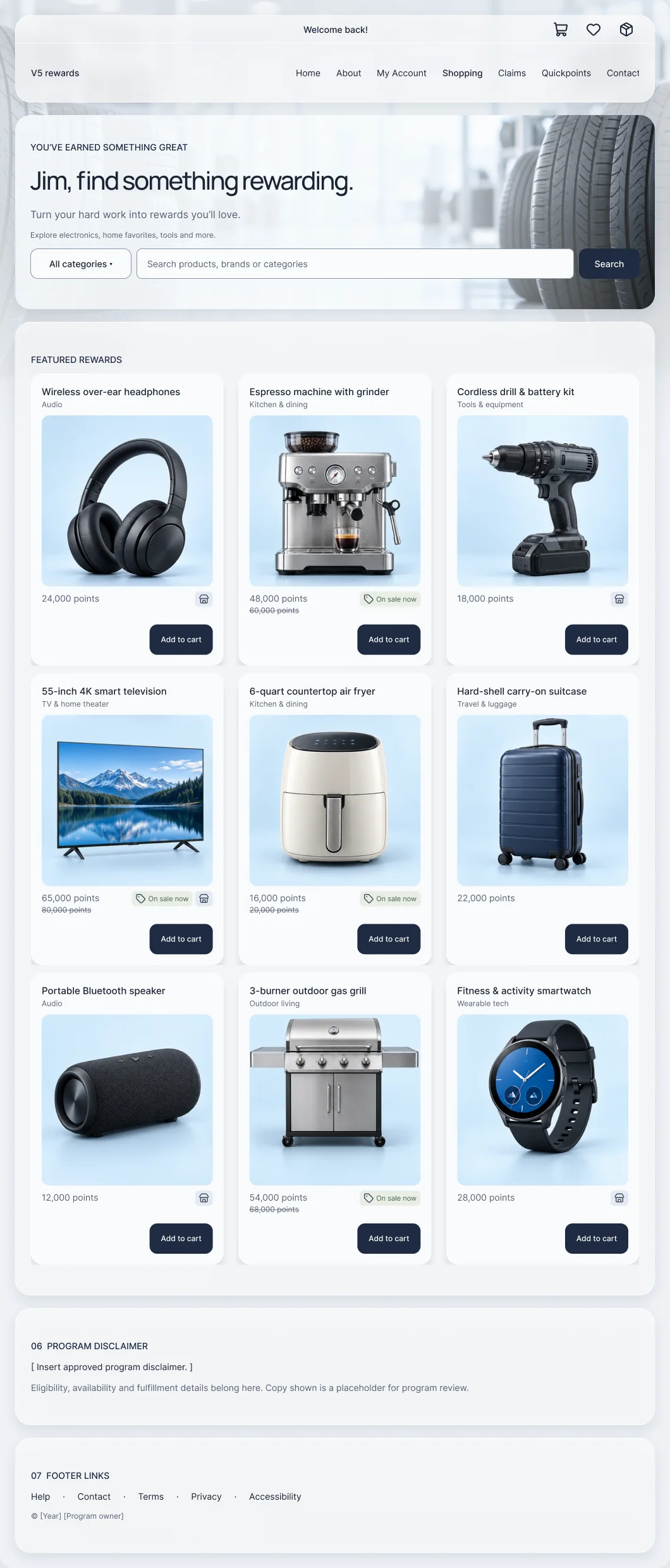
Legacy template next to the V5 design. V5 designs, reconstructed from the shipped system and anonymized.
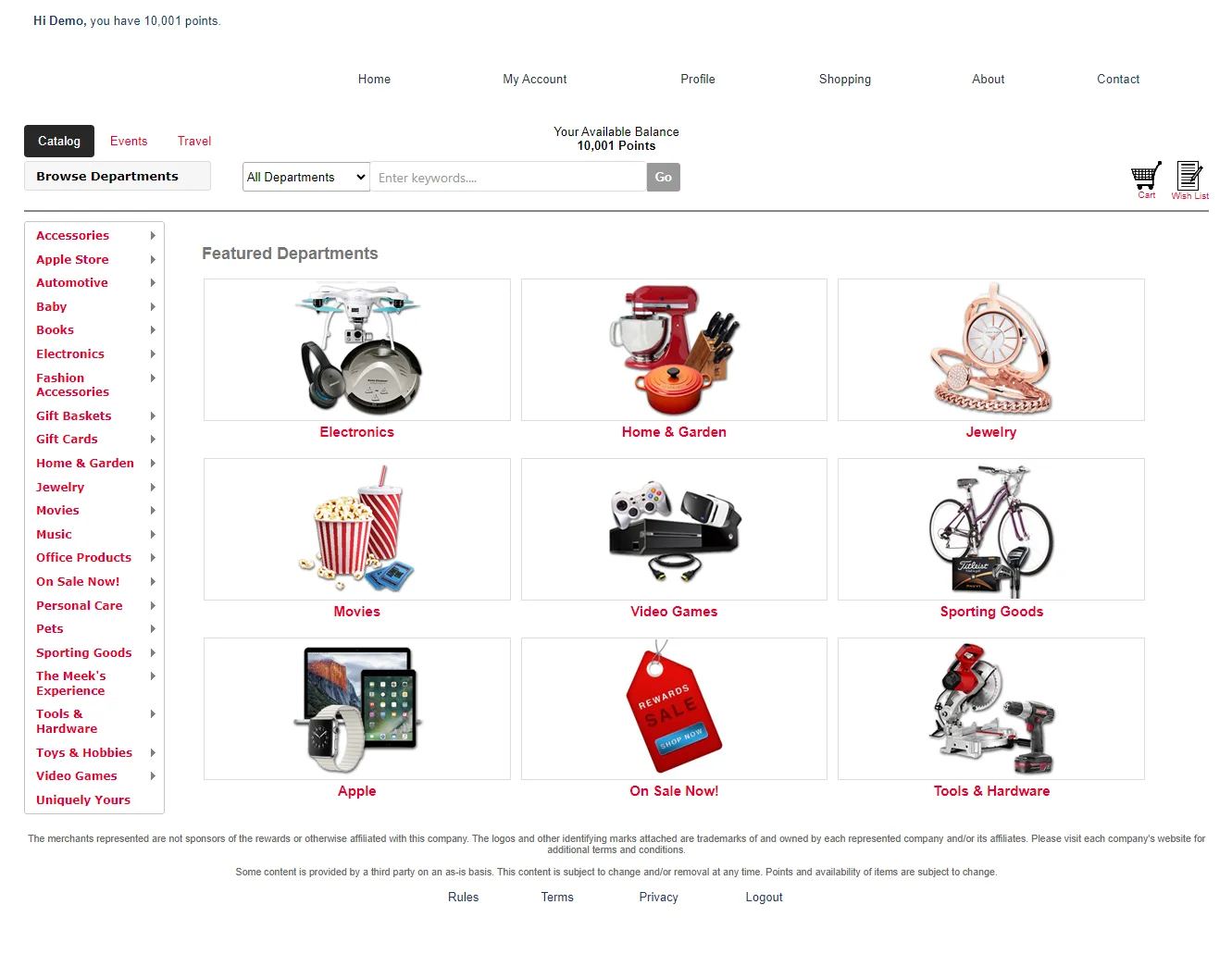
Before: legacy catalog, anonymized. After: V5 designs, reconstructed from the shipped system and anonymized.
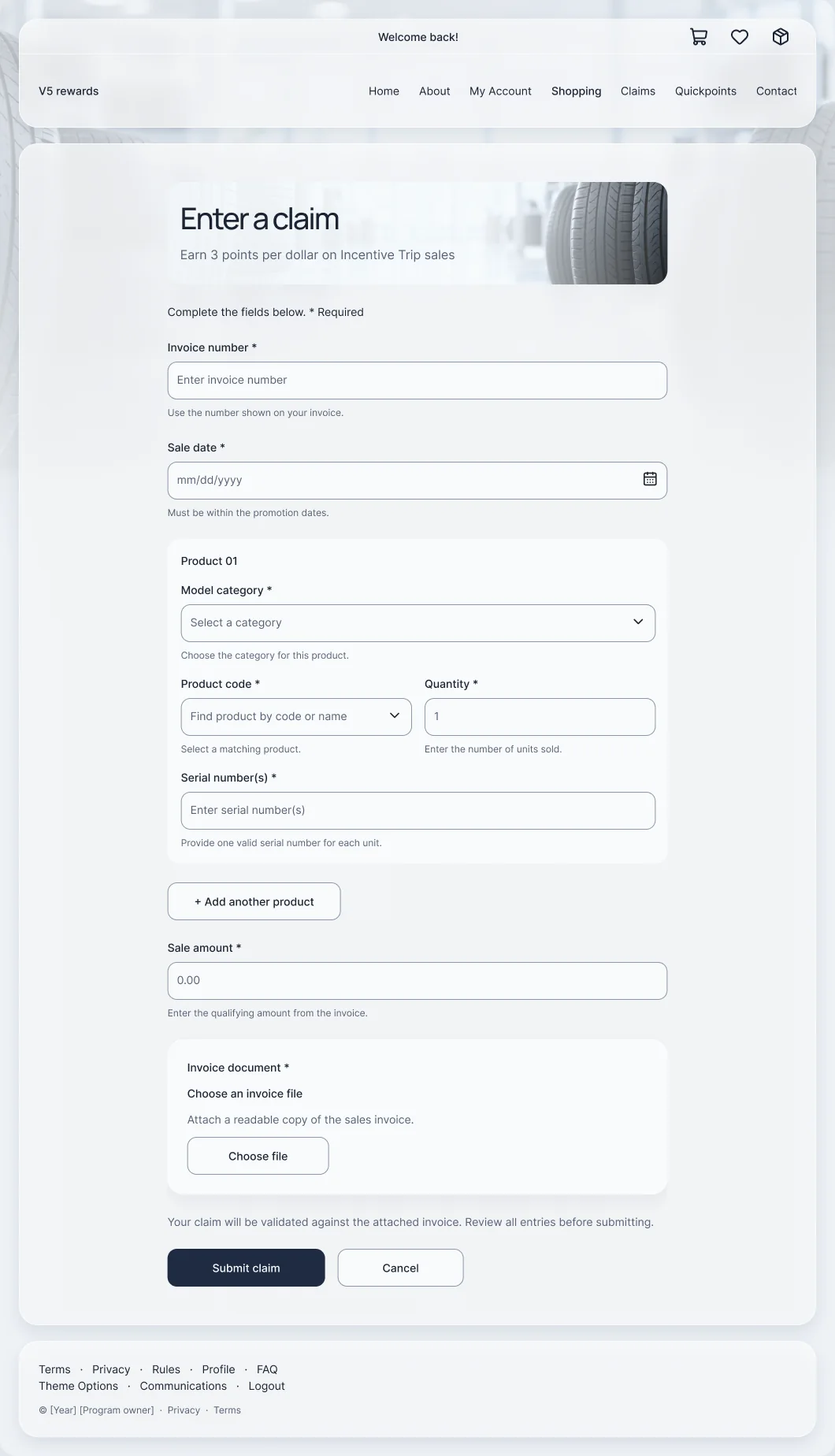
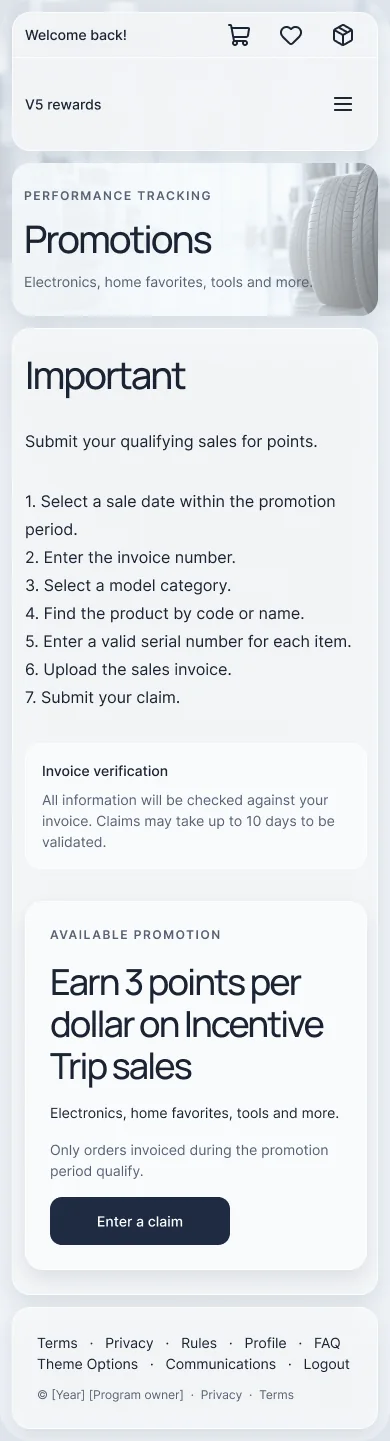


V5 designs, reconstructed from the shipped system and anonymized.
What changed, and how it was measured
Every number is labeled with how it was collected.
Support tickets per month
Active hours per migration
Edge cases and alternatives
Where the happy path needed more care, and what else was on the table.
Custom or optional pages
A program has Rules, FAQ, custom recognition pages or modules the standard template doesn’t include.
Handling: preserve applicable content and verify public and private pages. A template switch alone doesn’t count as done.
Demo versus live editing
A maintainer follows demo-site instructions while changing a production program.
Handling: lock a live site while working, and keep demo publishing separate from production preview.
Separate page layouts
Each page owns its structure and styling. Repeated local changes keep components inconsistent and every update means redundant checking.
Retrospective comparison against the old baseline, not a documented rejected proposal.
One fixed theme
Every program gets an identical hero, layout and brand treatment. Simple to roll out, but it leaves no room for client branding or custom content.
Retrospective concept, not a documented historical proposal.
Switch to Deep for edge cases and alternatives.
What I’d keep, and what I’d do next
The strongest part of this approach was connecting participant access to release decisions. Prioritization addressed the most immediate harm, and a constrained theme system with client-preview gates gave a growing team a safer way to deliver.
The cost was less freedom per site and a slower first week. The lasting result was a repeatable method: shared patterns, clear customization boundaries, and a review process that traveled with the implementation.
- Track mobile session share for the programs that had been locked out, not just support volume.
- Document rollback and recovery steps alongside the release rules.
- Turn the runbook’s release rules into automated checks before the next modernization.